
Download 3D Fireplace Screensaver – Free, Cozy Desktop Tool for Windows
Overview
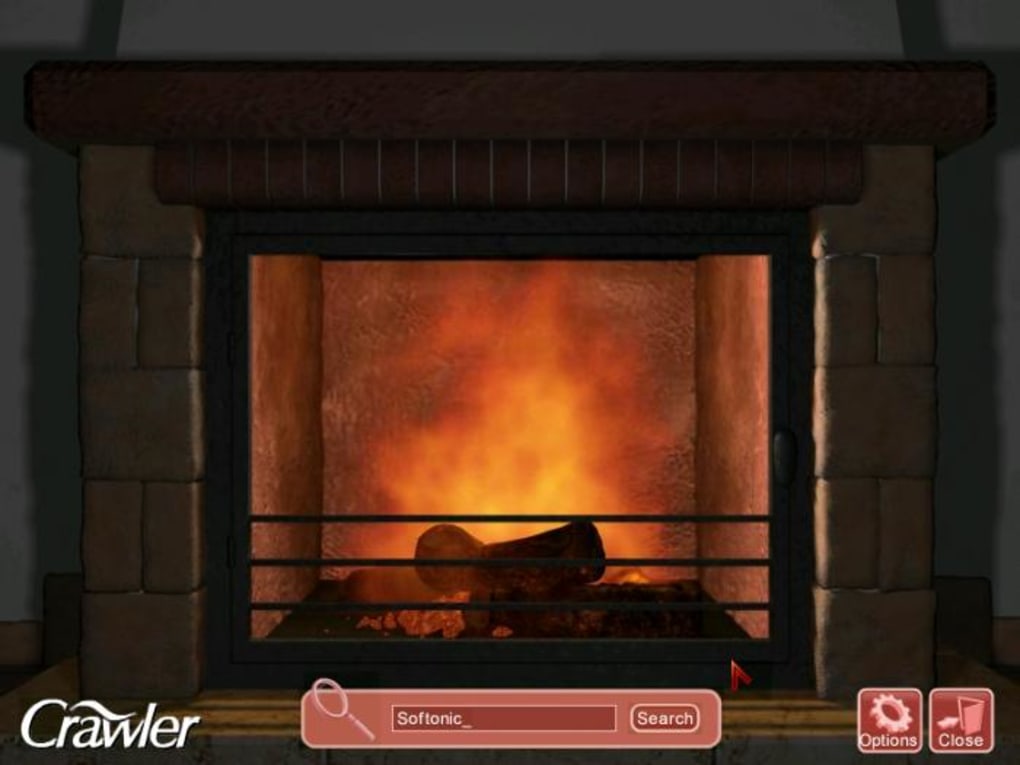
If you’ve ever wished a crackling hearth could warm up your home office without the expense of a real fireplace, the 3D Fireplace Screensaver might be the perfect digital companion. This lightweight Windows‑based screensaver transforms idle moments into a soothing visual experience, projecting a three‑dimensional flame‑filled mantle across your monitor. While the program is free to download and install, it also offers optional add‑on models that expand the visual library with different mantel styles and seasonal décor.
The core experience is built around a single, high‑definition fireplace model that animates realistic fire movement and includes optional audio that mimics the gentle pop of burning logs. The audio loop, however, can become repetitive after extended listening, which may detract from long‑term immersion. Despite this limitation, the visual component remains striking: the flickering embers, the interplay of light and shadow on the surrounding bricks, and the subtle rise of smoke create a convincing illusion of warmth.
The screensaver is designed for Windows 7, 8, 10, and 11, and it runs quietly in the background, consuming minimal CPU resources. Because it activates only when the system is idle, you can continue working normally without interruption. The software is also safe – it is signed with a valid digital certificate and is free from adware or hidden telemetry. Users who enjoy a calm desktop environment often pair this screensaver with ambient background music or use it as a calming backdrop during late‑night work sessions. In short, 3D Fireplace Screensaver delivers a pleasant, low‑maintenance visual treat that can make any workspace feel a bit cozier.
Key Features
- High‑definition 3D fire animation with realistic lighting.
- Optional crackling‑wood audio track that can be muted or volume‑adjusted.
- Multiple mantel designs available for download from the official website.
- Low CPU and memory usage; runs smoothly on older hardware.
- Full compatibility with Windows 7/8/10/11 (32‑bit and 64‑bit).
- Simple configuration panel for screen resolution, audio settings, and timeout.
- Free core version with optional paid add‑ons for seasonal themes.
- Secure installation package signed by the developer.
- Automatic updates check that notifies users of new fireplace models.
- Support for multiple monitors – each screen can display the same or a different fireplace model.
Beyond the basic list, the screensaver includes a few hidden conveniences that power users will appreciate. For instance, the program respects Windows’ power‑saving settings, automatically pausing when the computer enters sleep or hibernate mode. The configuration window also allows you to set a custom “idle time” before the screensaver activates, ranging from a few seconds to several minutes, which is handy if you frequently step away from the keyboard for short breaks. Moreover, the add‑on library is organized by theme (e.g., “Winter Cabin,” “Modern Loft,” “Rustic Lodge”), and each download is a small, self‑contained package that can be installed with a single click. The developer provides clear instructions for adding new models, and the process does not require any registry editing or command‑line work.
While the visual fidelity is impressive, the audio component is deliberately simple. Users can either keep the default crackle, replace it with their own sound file, or mute it entirely. This flexibility helps mitigate the “repetitive sound” complaint that some reviewers have mentioned. Overall, the feature set strikes a balance between aesthetic appeal and lightweight performance, making the 3D Fireplace Screensaver a solid addition to any Windows desktop.
Installation, Usage & Compatibility
Step‑by‑Step Installation
- Visit the official 3D Fireplace Screensaver website and click the “Download Free” button.
- Save the
3DFireplaceSetup.exefile to your computer. - Run the installer; Windows may prompt you to confirm the app’s authenticity – click “Yes” to proceed.
- Follow the on‑screen wizard: accept the license agreement, choose the installation folder (default is
C:\Program Files\3DFireplace), and click “Install”. - When installation completes, click “Finish”. The program will automatically add a shortcut to your Control Panel → Appearance → Change screen saver list.
Configuring the Screensaver
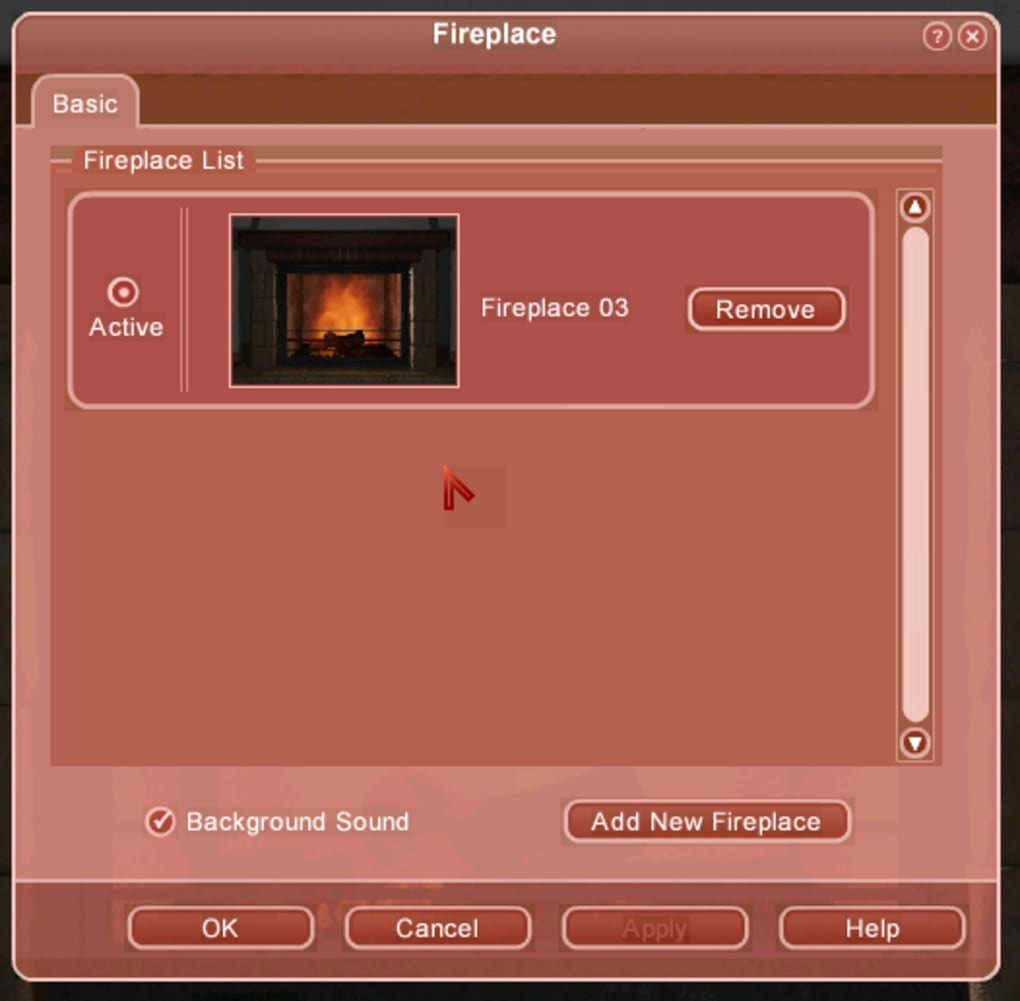
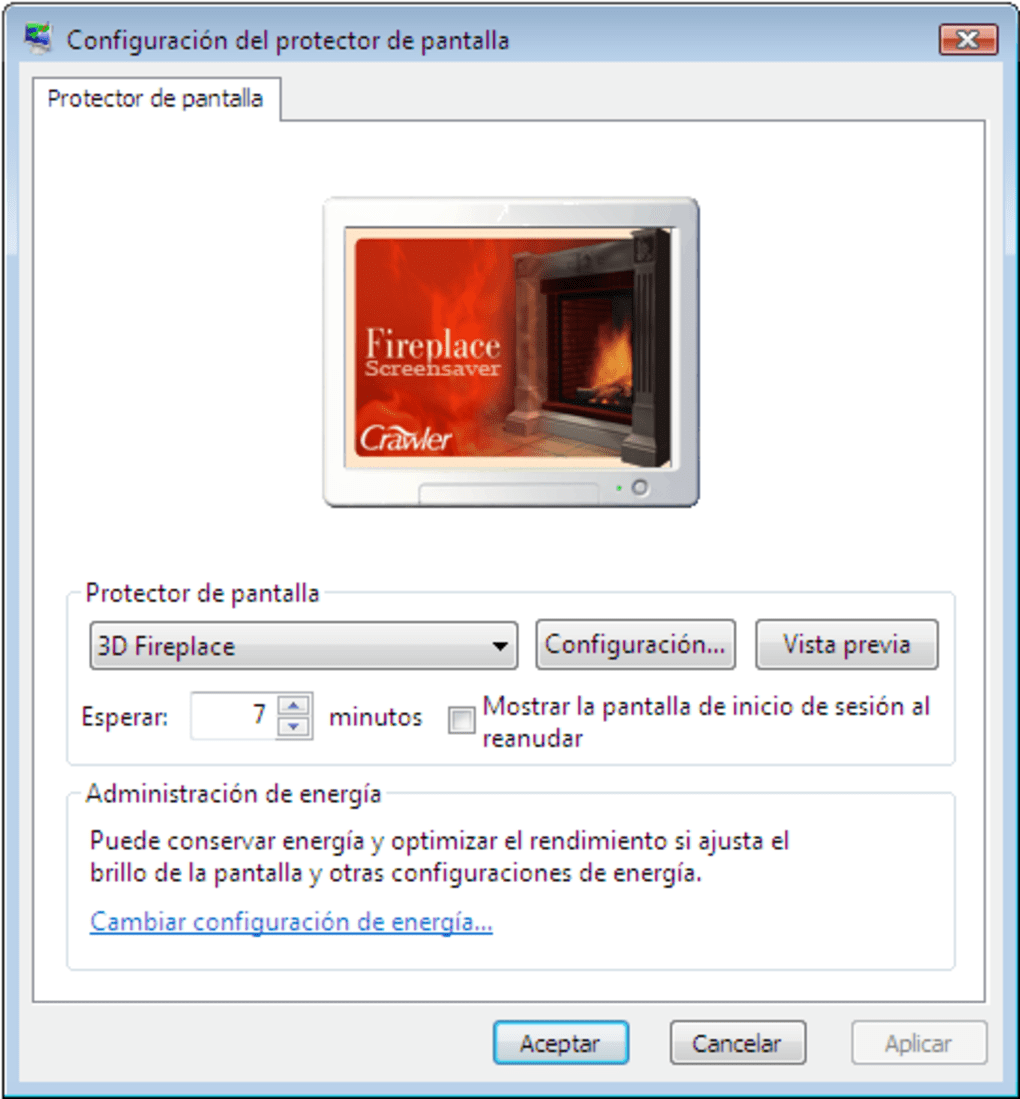
Open the Windows “Screen Saver Settings” dialog, select “3D Fireplace” from the dropdown, then click “Settings”. In the configuration window you can:
- Choose the desired mantel model (or keep the default).
- Toggle the audio track on or off, and adjust the volume slider.
- Set the idle time before activation (e.g., 2 minutes).
- Enable or disable multi‑monitor support.
After adjusting settings, click “Apply” and then “OK”. Your new screensaver will now appear whenever the computer is idle for the specified duration.
Compatibility
The 3D Fireplace Screensaver is built on the DirectX 9 framework, which ensures broad compatibility across most modern Windows versions. Officially supported operating systems include:
- Windows 7 (SP1) – 32‑bit & 64‑bit
- Windows 8 / 8.1 – 32‑bit & 64‑bit
- Windows 10 – version 1809 and later
- Windows 11 – all editions
Because the software relies on standard Windows APIs, it runs smoothly on low‑end machines with integrated graphics, though a modest GPU (e.g., Intel HD Graphics 4000 or better) is recommended for the smoothest flame animation. Users on older hardware may need to lower the screen resolution within the settings panel to maintain a consistent 30 fps frame rate.
For users who wish to expand the visual library, additional mantel packs are distributed as .zip files that contain a small set of texture and model files. Installing an add‑on simply involves extracting the archive into the program’s Models folder and selecting the new model from the settings dialog. The process works identically on all supported Windows versions, and no additional drivers are required.
Pros, Cons & Frequently Asked Questions
Pros
- Free core version with optional premium mantel packs.
- Visually appealing 3D fire animation that runs on modest hardware.
- Low system resource consumption – ideal for older PCs.
- Easy installation and straightforward configuration.
- Supports multiple monitors and custom idle timers.
- Secure, signed installer free of adware.
Cons
- Audio loop can become repetitive after long listening periods.
- Only one core fireplace model; additional designs must be downloaded.
- No built‑in schedule or timer to switch between different mantel themes automatically.
- Lacks advanced customization such as flame color or intensity sliders.
- Not available for macOS, Linux, Android, or iOS.
FAQ
Is the 3D Fireplace Screensaver safe to download?
Yes. The installer is digitally signed, contains no malware, and is hosted on the developer’s official website. Always download from the original source to avoid tampered versions.
Can I use the screensaver on a laptop with battery power?
Absolutely. The program is lightweight and consumes minimal power, making it safe for use while on battery. You can also disable it in the Windows power settings if you prefer.
How do I add new fireplace models?
Download the desired model pack from the official website, unzip the contents into the C:\Program Files\3DFireplace\Models folder, then select the new model from the screensaver’s settings dialog.
Is there a way to replace the default crackling sound?
Yes. In the settings window you can mute the built‑in audio or point the program to a custom .wav file of your choice. The custom file must be placed in the Sounds folder of the installation directory.
Will the screensaver work on Windows 11 tablets?
Yes. The software runs on any Windows 11 device that supports DirectX 9, including tablets and convertibles, as long as the hardware meets the minimal graphics requirement.
Review Summary
Overall Rating: 4.1/5
The 3D Fireplace Screensaver offers an elegant, low‑cost way to add warmth to a Windows desktop. Its visual fidelity and ease of use outweigh the limited audio variety and lack of advanced customization. Ideal for users seeking a simple, cozy ambience without taxing system resources.
Conclusion & Call to Action
In a world where remote work and long hours at the computer have become the norm, a little visual comfort can make a big difference. The 3D Fireplace Screensaver delivers exactly that—a free, secure, and easy‑to‑install solution that brings the glow of a hearth to any Windows workstation. While the single core fireplace model may feel repetitive after weeks of use, the ability to download additional mantel packs and replace the audio track provides enough flexibility to keep the experience fresh. Moreover, its low CPU footprint ensures that you won’t sacrifice performance for ambience.
If you’re ready to give your desktop a warm, inviting makeover, click the download button below, install the software, and enjoy the soothing flicker of digital flames whenever you step away from the keyboard. Remember to explore the optional add‑ons for seasonal themes, and don’t forget to mute the sound if you prefer a silent backdrop. Warm up your screen today and experience a touch of comfort without the cost of a real fireplace.







